
The ₹38,000 "Core i5 / Ryzen 5" Laptop Trap: Why That BBD Deal on Flipkart Delivers Eye Strain and a 45% NTSC Screen
Laptops with "16GB RAM and AMD Ryzen 5 / Intel Core i5" under ₹40,000 look like unmatched festival bargains. But brands ruthlessly cut costs where the spec-sheet is vague: 220-nit 45% NTSC washed-out panels, soldered single-channel RAM, and DRAM-less QLC storage that crawls during heavy multitasking. Here is the engineering reality and the 5 diagnostic checks to run before the return window closes.
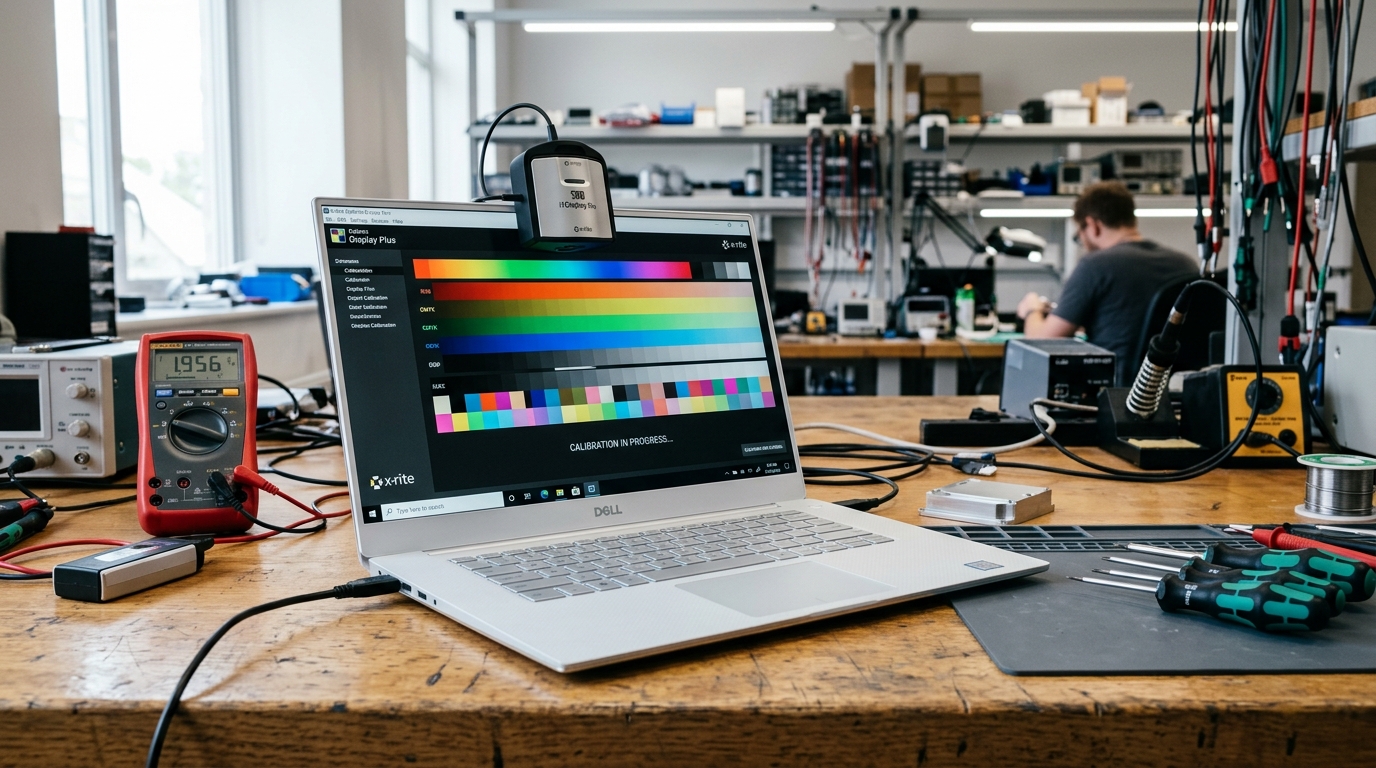
Every major Indian festive sale—from Flipkart Big Billion Days to Amazon Great Indian Festival—sees a predictable stampede in the personal computing aisle. College students, young developers, and remote workers search for the exact same holy grail: a branded laptop powered by an Intel Core i5 or AMD Ryzen 5, packed with 16GB RAM and a 512GB SSD, priced aggressively under ₹40,000.
At first glance, the listing appears to offer flagship-tier productivity at half the price of a MacBook Air. The product renders glow with razor-thin bezels, brushed aluminium finishes, and bold bullet points touting "Blazing Fast Multitasking" and "Full HD Anti-Glare Display."
Then delivery day arrives.
Within 45 minutes of setting up Windows 11, the optical fatigue sets in. Youtube 4K HDR videos look drained and washed out—vibrant reds appear brownish-orange, and human skin tones look ghostly grey. Shift your head 15 degrees off-center, and the contrast completely collapses. Open 20 Chrome tabs alongside Excel and VS Code, and mysterious micro-stutters freeze your cursor.
How can a machine boasting a 6-core processor and 16GB RAM feel so exhausting to use?
The answer lies in the "Spec-Sheet Shell Game": original equipment manufacturers (OEMs) know that 90% of buyers filter products solely by CPU brand and total RAM capacity. To hit aggressive sub-₹40,000 price ceilings, every other component on the motherboard is downgraded to bare-minimum OEM liquidation stock.
Before you accept delivery or let your 7-day replacement window expire, here is the exact hardware autopsy of where brands cut corners—and how to verify what you actually bought.
1. The 45% NTSC / 220-Nit Panel Deception (Why Your Eyes Hurt After 2 Hours)
The single most expensive component in any laptop after the motherboard and CPU is the liquid crystal display (LCD) panel. A true 100% sRGB IPS panel with 350+ nits brightness and factory color calibration costs OEMs roughly $45 to $65 per unit.
To shave ₹3,000 to ₹4,500 off the bill of materials (BOM), budget laptops substitute this with a bottom-tier 45% NTSC (roughly 55% to 62% sRGB) panel, often capped at an anaemic 220 to 250 nits peak luminance.
Here is what that optical downgrade actually means in daily use:
- Severe Color Truncation: Deep crimson reds, emerald greens, and rich navy blues cannot be physically reproduced by the backlight phosphor. The gamut cuts off nearly 40% of the standard digital spectrum used across modern websites and streaming platforms.
- Low Contrast & Grey Blacks: Budget IPS-level panels often exhibit contrast ratios as low as 600:1 to 800:1 (compared to 1200:1+ on standard panels and infinity on OLEDs). Shadow details in Netflix or Disney+ Hotstar turn into a uniform murky smudge.
- Aggressive PWM Backlight Flickering: To control brightness at lower power consumption, low-cost LED driver circuits employ Pulse Width Modulation (PWM) operating below 500 Hz. While invisible to the naked eye, the rapid micro-strobe causes involuntary ciliary muscle spasms in your eyes, triggering tension headaches and dry-eye syndrome after two hours of continuous reading.
If you plan to use your laptop in a brightly lit Indian bedroom or near a balcony, a 220-nit panel forced to fight reflective glare will have you squinting at 100% brightness 24/7, draining battery longevity.
2. The Soldered Single-Channel RAM Bottleneck (Losing 30% of Your GPU)
Another pervasive trick in budget laptops is the deployment of Single-Channel Memory Architectures.
Modern processors like AMD's Ryzen 5 (Barcelo / Mendocino) and Intel's 12th/13th Gen Core i5 rely entirely on integrated graphics architectures (Radeon 610M / Intel Iris Xe / UHD Graphics). Unlike dedicated gaming laptops with independent GDDR6 VRAM, integrated graphics borrow direct system memory over the motherboard memory bus.
When a manufacturer solders an 8GB or 16GB module in a Single 64-bit Memory Channel rather than dual 64-bit channels (128-bit total):
- Memory Bandwidth is Cut in Half: Memory transfer speeds drop from ~51.2 GB/s down to ~25.6 GB/s on DDR4-3200 architectures.
- Integrated GPU Performance Plummets: Frame rates in lightweight creative tools (Photoshop, Figma, Illustrator) and casual games plummet by 25% to 38% simply because the GPU is starved of data frames.
- Zero Upgradeability: Many sub-₹40K laptops solder the RAM directly to the PCB with zero SO-DIMM expansion slots. When your workload grows in 2027, you cannot add an extra 8GB stick; your entire motherboard is permanently bottlenecked.
Before hitting checkout, always verify if the model supports dual-channel memory or has an open DDR4/DDR5 SO-DIMM expansion slot using our Live Multi-Store Laptop Comparison Engine.
3. DRAM-Less QLC Solid State Drives (The "Crawl" After 15GB)
Product listings prominently advertise "512GB Ultra-Fast NVMe M.2 SSD". But not all NVMe drives are built the same.
High-performance solid-state drives utilize TLC (Triple-Level Cell) NAND flash paired with dedicated DDR4 DRAM cache chips. This dedicated cache holds the drive's File Allocation Mapping Table, ensuring instantaneous seek times and sustained write speeds above 1,500 MB/s.
In hyper-budget laptops, OEMs frequently install DRAM-less QLC (Quad-Level Cell) drives:
- QLC stores 4 bits of electrical charge per cell, making the silicon cheaper but drastically slower and prone to faster cell degradation.
- To mask this sluggishness, the drive uses a small virtual "SLC Cache" buffer (around 12GB to 20GB).
- While writing small files, speeds look impressive on benchmark screenshots. But copy a 35GB folder of 4K vacation videos or install a large software suite, and the cache exhausts within 90 seconds. Once depleted, direct QLC write speeds crash to 40 MB/s to 65 MB/s—slower than an old 5,400 RPM mechanical laptop hard drive from 2012!
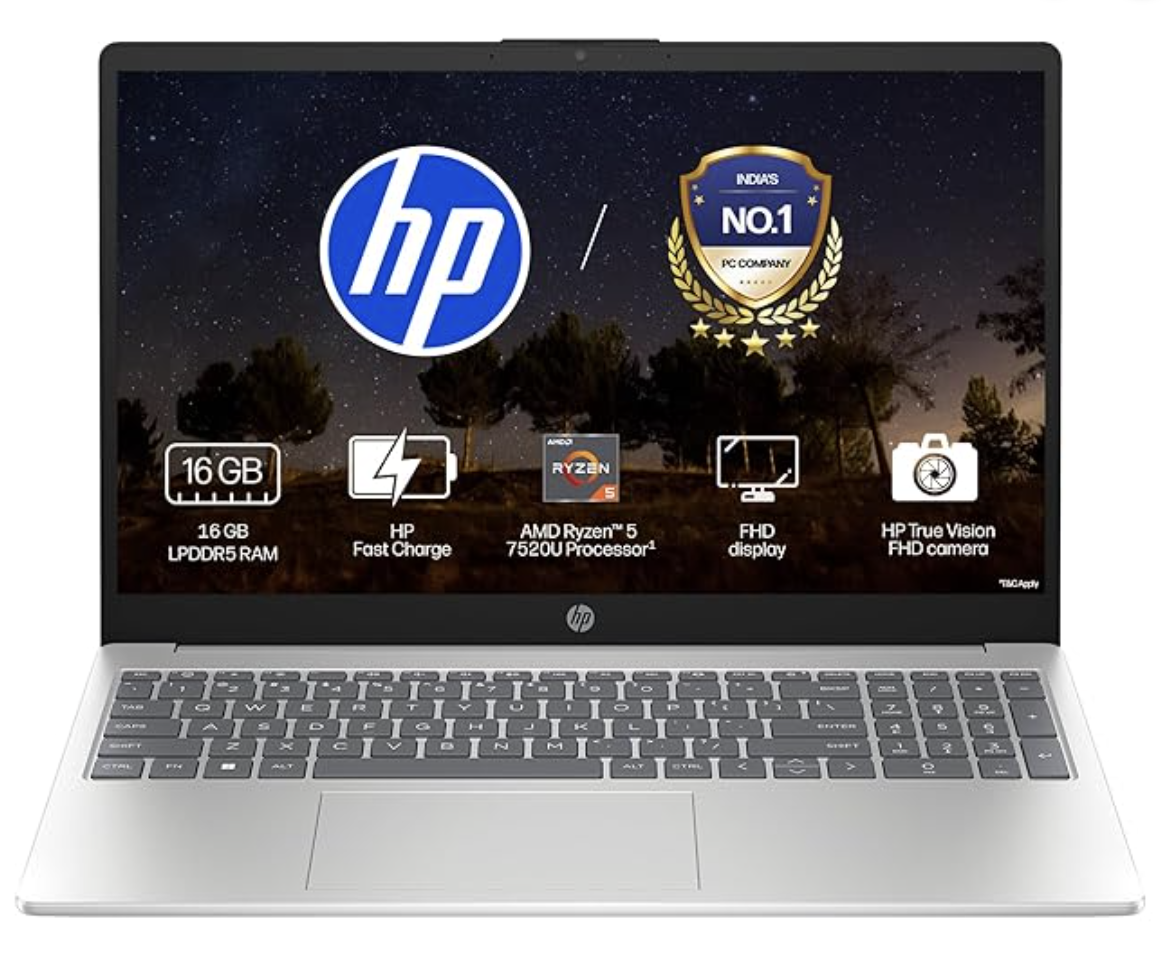
Verified Hardware Comparison: The HP 15 Ryzen 5 Edition
Here is how one of India's most popular daily-driver productivity notebooks balances these engineering trade-offs in real-world retail channels:
4. The 60-Second Return Window Diagnostic Checklist
The moment you peel off the security seal on your new laptop, do not spend the first day migrating your personal photos or playing games. Run these 4 diagnostic tests within your 7-day return window:
Test 1: The Display Panel Hardware Audit
- Download and run the portable, free version of HWiNFO64.
- Navigate to
Monitor➔Monitor Nameand note the exact OEM panel model ID (e.g., BOE NV156FHM-N48 or AUO B156HAN02). - Search the panel model on Panelook.com. Look up the verified NTSC coverage and Max Brightness (cd/m²). If the listing promised 300 nits IPS and the panel is a 220-nit 45% NTSC TN/IPS clone, you have immediate photographic grounds for a return or replacement.
Test 2: The Dead Pixel & Bleed Inversion Test
- Open a full-screen browser window to deadpixeltest.org.
- Cycle sequentially through pure Black, White, Red, Green, and Blue screens in a dark room.
- Check the four corners for IPS backlight bleed (yellowish-white luminous halos leaking from the frame). A minor glow at sharp angles is normal; cloudy bright blooms across the screen center indicate physical bezel stress during factory assembly.
Test 3: The Memory Channel Configuration Check
- Open Task Manager (
Ctrl + Shift + Esc) and switch to thePerformance➔Memorytab. - Check Slots used. If it reports
1 of 1or1 of 2, verify whether the secondary slot is physically soldered or accessible. Check our Electronics & Gadgets Category to cross-reference upgradable SKUs across Amazon and Flipkart.
Test 4: The Sustained Thermal Throttling Stress Run
- Download Cinebench R23 and run the 10-minute multi-core loop.
- Keep HWiNFO's Sensors window open to monitor CPU Package Temperature.
- If the CPU immediately shoots past 95°C within 15 seconds and throttles clock speeds below the rated base frequency (e.g., plunging below 2.0 GHz), the thermal assembly has insufficient heatpipes or poor factory thermal paste application.
Lab Recommendations & Buying Tools
Before spending your hard-earned money during festival discount events, use TechieBugs' specialized research utilities to bypass promotional marketing claims:
- Live Multi-Store Price Comparison Engine: Real-time price tracking across Amazon, Flipkart, and brand stores to ensure you are not buying at artificial inflated prices.
- Electronics & Computing Catalog: Curated list of verified notebooks with dual-channel RAM configurations and 100% sRGB displays.
- The ₹1,499 ANC Earbuds Lie: Read our audio hardware investigation on how budget audio brands cut similar corners with fake decibel metrics.